Brandcore Precision Dental

Cover

01 / 09
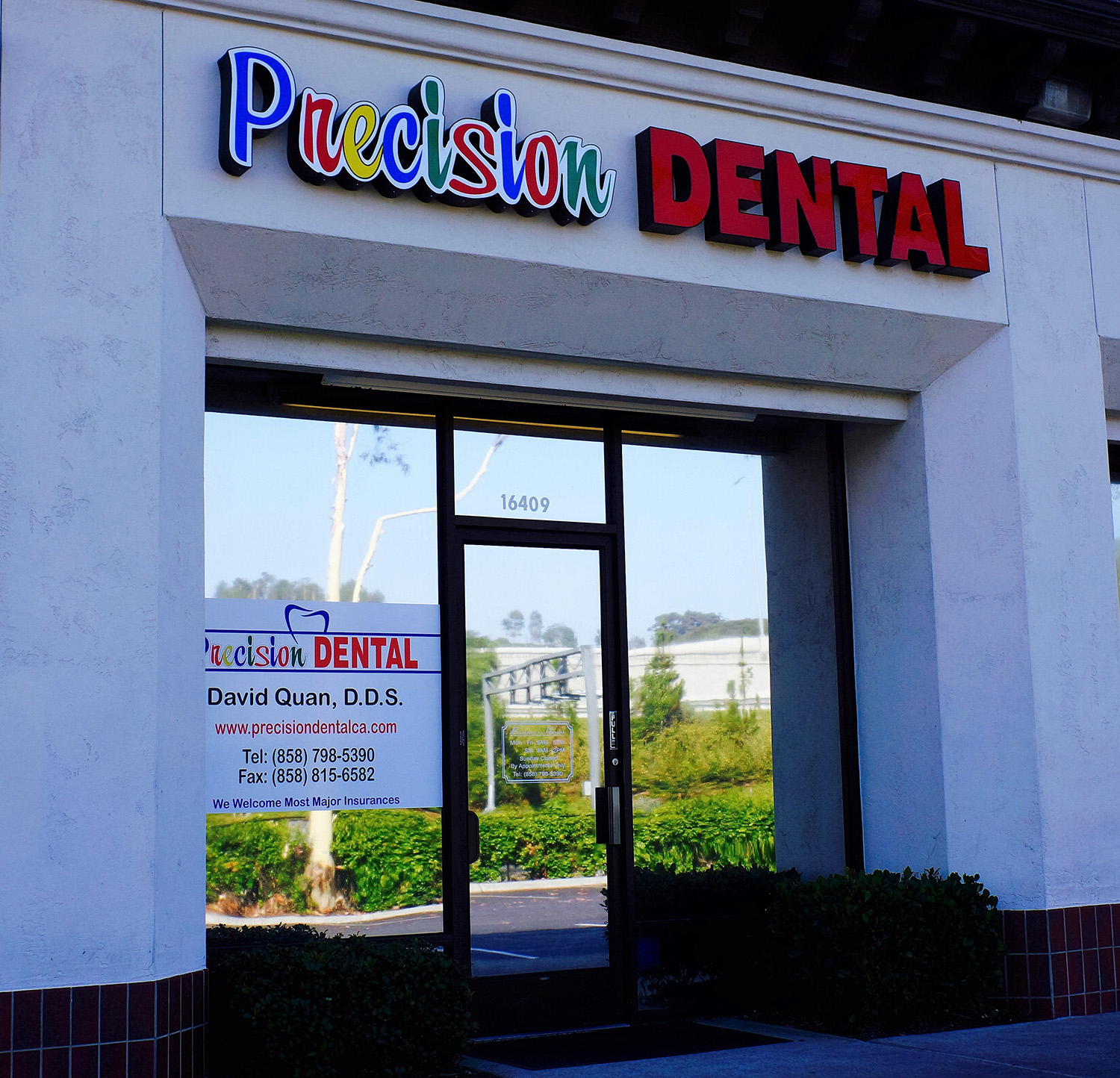
The Precision Dental storefront at 16409 Bernardo Center Drive, San Diego, as photographed

Move the pointer over the tile

Prepared for Precision Dental · San Diego, CA

Your first visit starts before the chair.

Precision Dental has served San Diego since 2003 (per their site) from two offices. This presentation shows what a new patient finds on the published pages today, the path that creates, and the two-office site we would build.

  • Two offices
  • San Diego since 2003, per site
  • Invisalign
  • Implants
  • Cosmetic dentistry

Prepared by Karina Carillo, Client Success & Outreach, Brandcore

Concept and evidence only. Nothing on this page is booked, sent or published.

01 · What a new patient finds

Six things a new patient hits before the first call.

Every finding comes from the published home and contact pages fetched on 30 October 2026, read as static HTML. We did not test forms, booking or rendering. Severity is our judgment of how much each item slows a patient down.

High

Phone numbers are plain text

Four numbers are printed (two office lines, two fax). None of the two pages fetched contains a tel: link, so a phone cannot tap to call.

Source · home and contact pages, body text

High

No email address to write to

Zero email addresses are published. The contact page offers a form with four fields and no reply address.

Source · /contact, form and footer

Medium

The browser title names no service

The home title reads “Precision Dental | Turn your business into a tophit.” It gives no city, no treatment and no reason to click.

Source · home <title>

Medium

No meta description

Missing on 2 of 2 pages fetched. Search results will show whatever text the page happens to contain.

Source · <head> on both pages

Medium

Footer dated 2015

“Copyright © 2015 Precision Dental” appears on both pages. A dated footer is the first signal a careful patient checks.

Source · footer, home and contact

Medium

Copy errors on main pages

“Pecision Dental” in the restorative blurb, “Peridontal Disease” in the menu, and “contact one our professional staff” in the scheduling blurb. Three instances.

Source · home body and menu

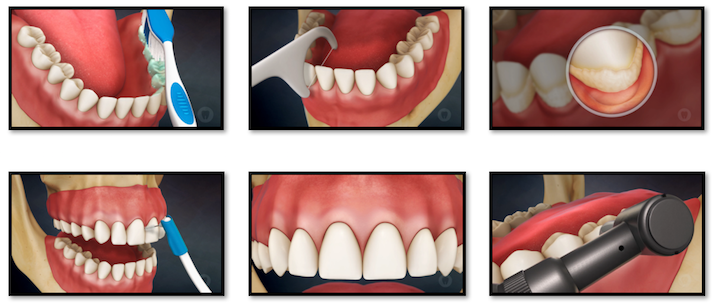
What already works: both offices are listed with addresses, hours are stated, the new-patient registration form is offered online, and educational videos exist on the site.

02 · The path today

Today the patient does the work. Six steps, all on the site.

Each step below is read from the published pages. The illustrative moment is labelled as a scenario, not a measured visit.

Today · 6 steps

  1. 1

    Land on a title with no service

    Search shows “Precision Dental | Turn your business into a tophit.”

    Source · home <title>

  2. 2

    Find a number

    Four are printed. None tap to call.

    Source · home and contact body text

  3. 3

    Look for an email

    None is published. Use the form instead.

    Source · /contact

  4. 4

    Check the hours

    Weekdays 9 AM to 5 PM. Saturday 9 AM to 2 PM, by appointment only.

    Source · home body text

  5. 5

    Call to book

    The page says to “contact one of our professional staff.” No booking control appears in the static HTML.

    Source · home, schedule blurb

  6. 6

    Register online before the visit

    The new-patient registration form is linked from Patient Info.

    Source · Patient Info menu

Proposed · 3 steps

  1. 1

    Tap the office you want

    Both offices, with directions and tap-to-call, on the first screen.

  2. 2

    Request a visit from a calendar

    Open windows are shown. The request is sent to the office for confirmation.

  3. 3

    Finish forms once, before arrival

    The same registration, with the forms placed where the visit is requested.
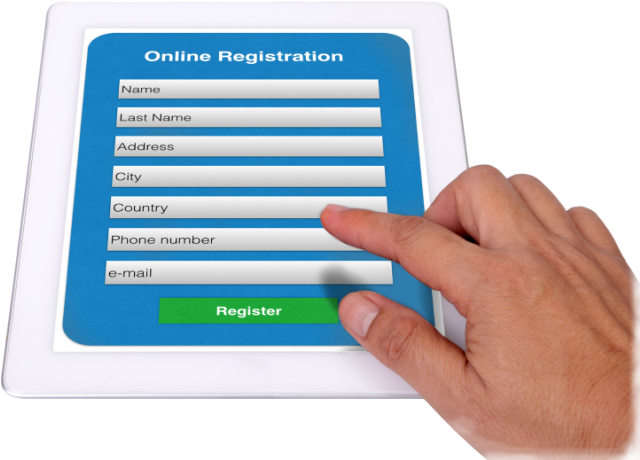
Illustration of an online registration form on a tablet, from the practice site
The registration form already exists on their site. The problem is how a patient reaches it.

03 · The new front door

Both offices, one tap away.

A working concept, not the live site. Use the tabs. Illustrative dates and times are labelled and nothing is booked.
precisiondental.concept · illustrative
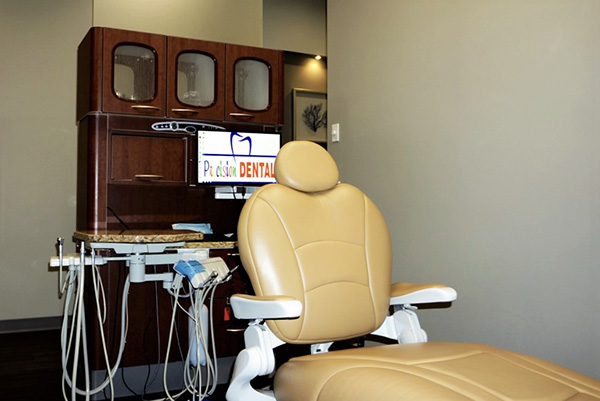
A treatment room chair with a monitor showing the Precision Dental logo

Two San Diego offices

Personalized dentistry with a smile.

Call either office, or request a visit. Hours and directions sit on the first screen.

Call University Ave

Open windows · illustrative only

  • Tue 10:00
  • Wed 1:30
  • Thu 9:00
  • Fri 3:30
Precision Dental
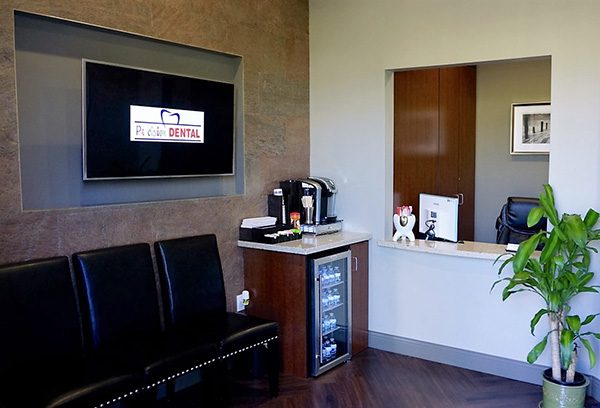
A waiting room with a wall display showing the Precision Dental logo

Two offices

Call University Ave Call Bernardo Center

Mon to Fri 9 AM to 5 PM · Sat 9 AM to 2 PM, by appointment

Visit requests use the same calendar as the desktop view.

Readable detail · tablet and phone

  1. Home. Both offices with tap-to-call, hours and a single visit request.
  2. Services. 22 treatments in five groups, with the education videos.
  3. Visit. A month view, office switch, open windows and an unsent request.

04 · What we build

Six pieces, built around the visit.

The services Brandcore offers, applied to these two offices. We do not promise rankings, call volume or revenue; we show the work and the numbers you can check.
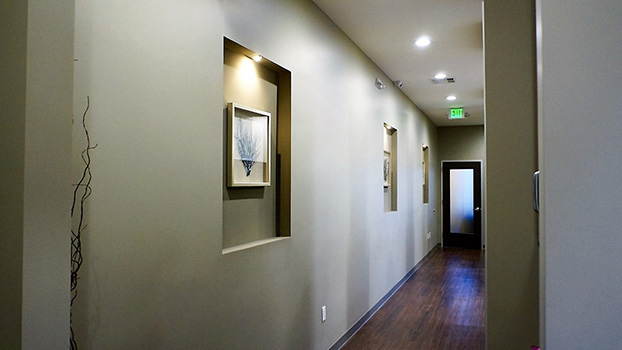
The clinic hallway with framed prints and a door to a treatment area
Their hallway, as photographed for the site.
01

Website

Two offices, one site. Each office has its own page with hours, directions and tap-to-call.

02

New-patient intake

Registration, insurance and first-visit steps in one flow that starts on a phone.

03

Local search

Google Business Profile and local pages for San Diego and Rancho Bernardo, checked for matching name, hours and phone.

04

Education library

The existing videos, organized by treatment, with plain-language pages that match each service.

05

Reviews

A simple request after each visit. No incentives, and no reviews written on a patient’s behalf.

06

Growth partner

A monthly review of calls, forms and search, with each change approved by the practice first.
05 · Proof

Proof starts with your own pages.

Drag the handle. The left panel reproduces the published home text as fetched. The right panel is the concept with the same facts, rearranged. Neither is a screenshot.

Published today · text as fetched

Precision Dental | Turn your business into a tophit.

Restorative

Pecision Dental has the right expertise and equipment to bring out the best in your smile.

Schedule Appointment

Precision Dental Offices open 9 AM - 5 PM Monday to Friday, and 9 AM to 2 PM on Saturday by appointment only. To schedule an appointment, contact one our professional staff …

Concept · illustrative

Precision Dental · San Diego and Rancho Bernardo

Restorative dentistry

Bridges, crowns, implants and full mouth rehabilitation, with the expertise and equipment to restore your bite and your smile.

Visit the office you want

Hours, directions and tap-to-call for both offices. Request a visit from the calendar; the office confirms.

No outside client result is claimed in this deck. Brandcore will show a case study only when the results are verified and the client has cleared its use.

06 · Roadmap

3 days. 7 days. 60 days.

Day 0 is the day the scope call is approved. Each phase names an owner, the deliverable and what we need from the practice.

Day 3

Confirm the facts

Owner
Practice approves facts · Brandcore drafts the fact sheet
Deliverable
One fact sheet: both offices, hours, insurance list, the three services to lead with
We need
Current hours for both offices and a yes or no on each photo from the site

Day 7

Approve the concept

Owner
Dentist of record approves clinical copy · Brandcore runs the review
Deliverable
Approved home, services and visit pages, with the forms that go online
We need
A decision on which forms move online first, and the lead services

Day 60

Launch and review

Owner
Brandcore builds and tests · Practice signs off the launch
Deliverable
Both offices live with tap-to-call, visit requests and a device check; monthly review begins
We need
Access to the domain and the Google Business Profile, in the practice’s name

Launch day: Day 60 is the target, after approvals and a full device check.

07 · Engagement

Three ways to start. One we recommend.

Scope and inclusions are specific. There is no dollar figure on this page: the price is a fixed-fee quote after a 20-minute scope call.

Launch

A two-office site

  • Both offices, with hours, directions and tap-to-call on every page
  • New-patient registration in one flow
  • Local pages for San Diego and Rancho Bernardo
  • Handoff and a training session for the front desk

Partner

Grow, with ongoing content

  • Everything in Grow
  • Monthly content for the service pages
  • A quarterly reset with the dentist of record

Quote follows the scope call. This page books nothing and contracts nothing.

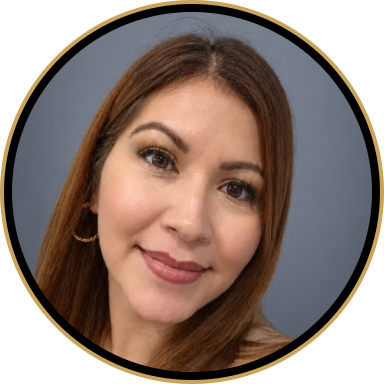
Portrait of Karina Carillo, Client Success and Outreach at Brandcore

Karina Carillo

Client Success & Outreach, Brandcore

Karina will walk through the two-office plan, answer questions from your team and set the 20-minute scope call.

08 · Let’s talk

Let’s talk for twenty minutes.

The first screen should answer the question a patient is really asking: can I be seen, and how do I reach you?

On October 29 we called your office and asked for the person who handles making the practice easier for patients to reach. That person was out, so we left a callback number.

Opens an unsent draft addressed to Karina. Nothing is sent.

The scope call takes twenty minutes. The fixed-fee quote follows it.

Brandcore · San Francisco Bay Area Sales Solutions