Service architecture
Six service pages built from your own list — site development, underground utilities, concrete, asphalt, fire & domestic water, retaining walls.
Outcome · the right service, without a call to ask which one.
6 PAGES
 ×
EECARCORPORATION
 Prepared by Karina Carillo · Brandcore
×
EECAR
CORPORATION
Eecar has built site work, utilities, concrete and access across the Central Coast, Bay Area and Central Valley. This is a plan to make that record legible — a service-first site, a real project index, and one clear way to request an estimate.
×
We read eecarbuilt.com the way a developer with a drainage problem would — on a phone, at night, looking for the one contractor who can start. Six things are sending that search somewhere else. All six are on the live site today.
 1
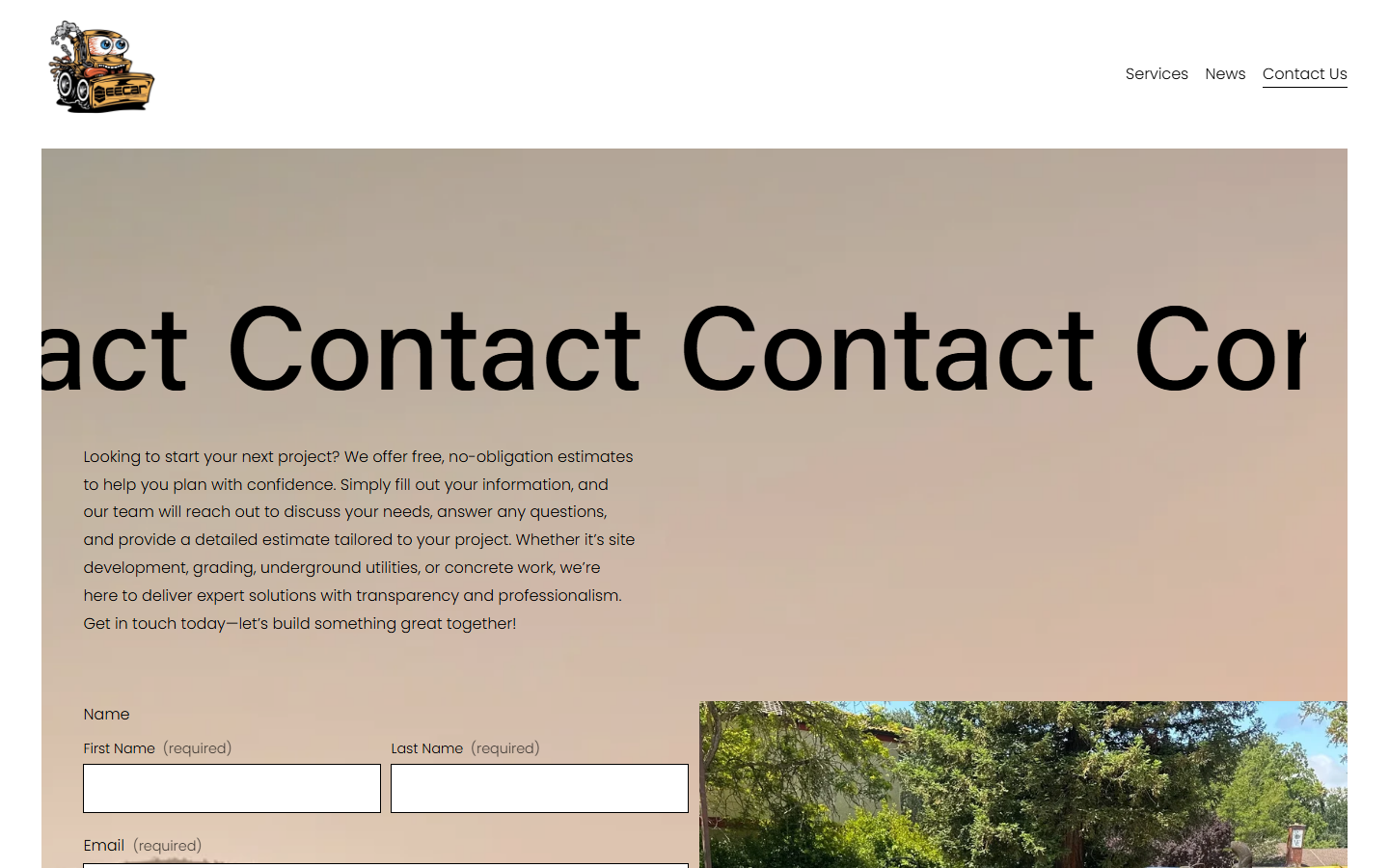
The H1 on /contact-us renders as ContactContact… and clips off both edges. It is the page where a project should start.
Services is “General 2.” News is “Blog 3.” Those template names are what a browser tab and a search result show.
The homepage title is eecarbuilt.com — fifteen characters — with no meta description.
Across home, services, contact and news: 0 tel: links and 0 mailto: links. On a phone, the number and both addresses are dead text.
The only H1 is “Our Residential Services.” The commercial and municipal depth sits in paragraphs below.
Seven images have no alt text; most of the others are filenames like IMG_4393.jpg. Six real project stories sit under “News,” not with the work.
The work is not the problem. Every finding above is a structure and content problem — fixable without re-shooting a single project.
Four working views built on your own photography and your real service list. The tabs, the filters and the estimate form all respond.
The identity leads — on a deliberate enamel plaque, not a white sticker.
Site development, utilities, concrete, asphalt, water and retaining walls, each with scope and proof.
Project type, city, timing and photos — with tap-to-call on mobile.
Name, scope and location — not IMG_4393.jpg.
Concept only. Project names and scopes are placeholders to confirm with Eecar. No form sends or stores anything.
 ServicesProjectsAbout
Request an estimate
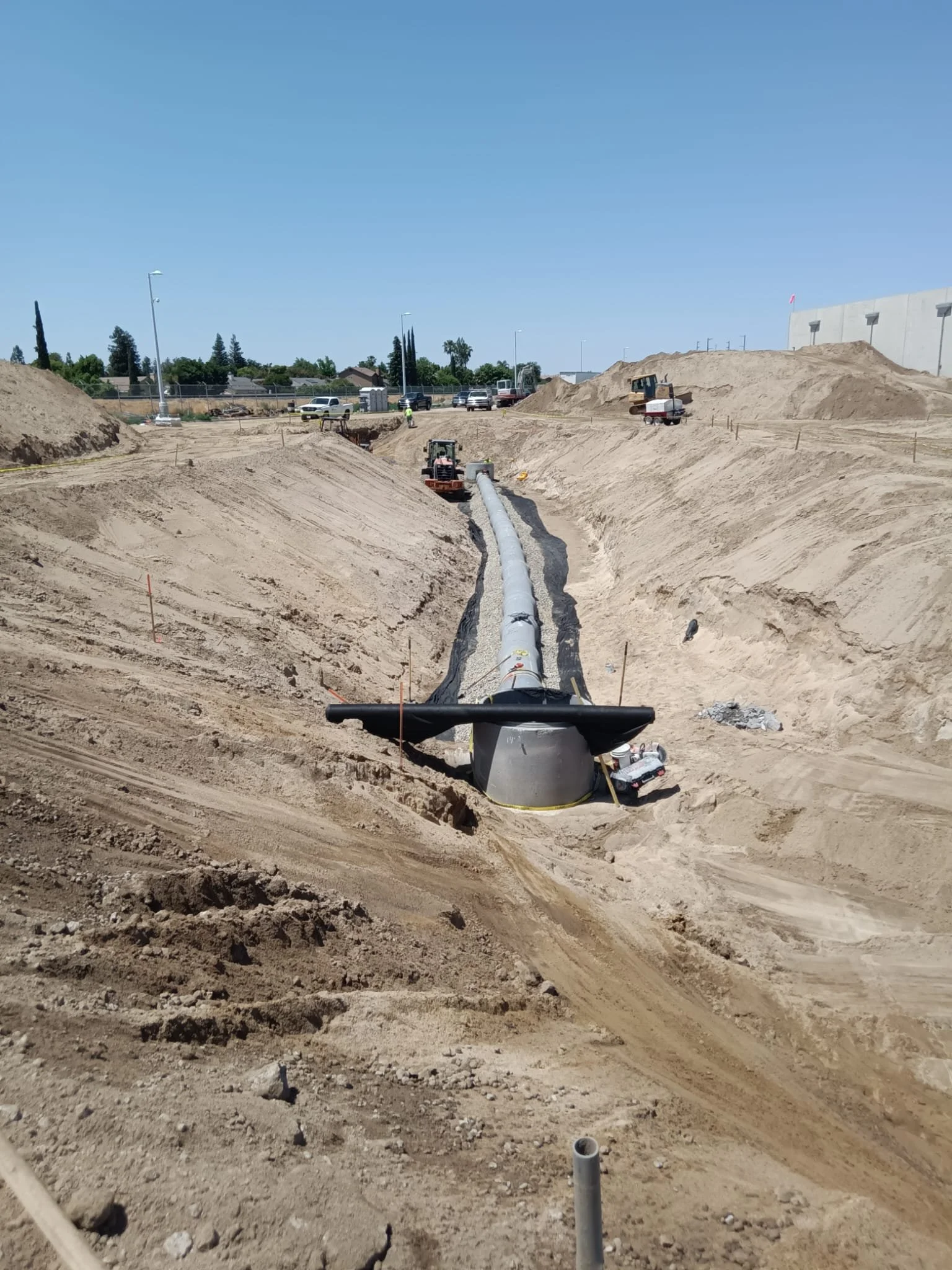
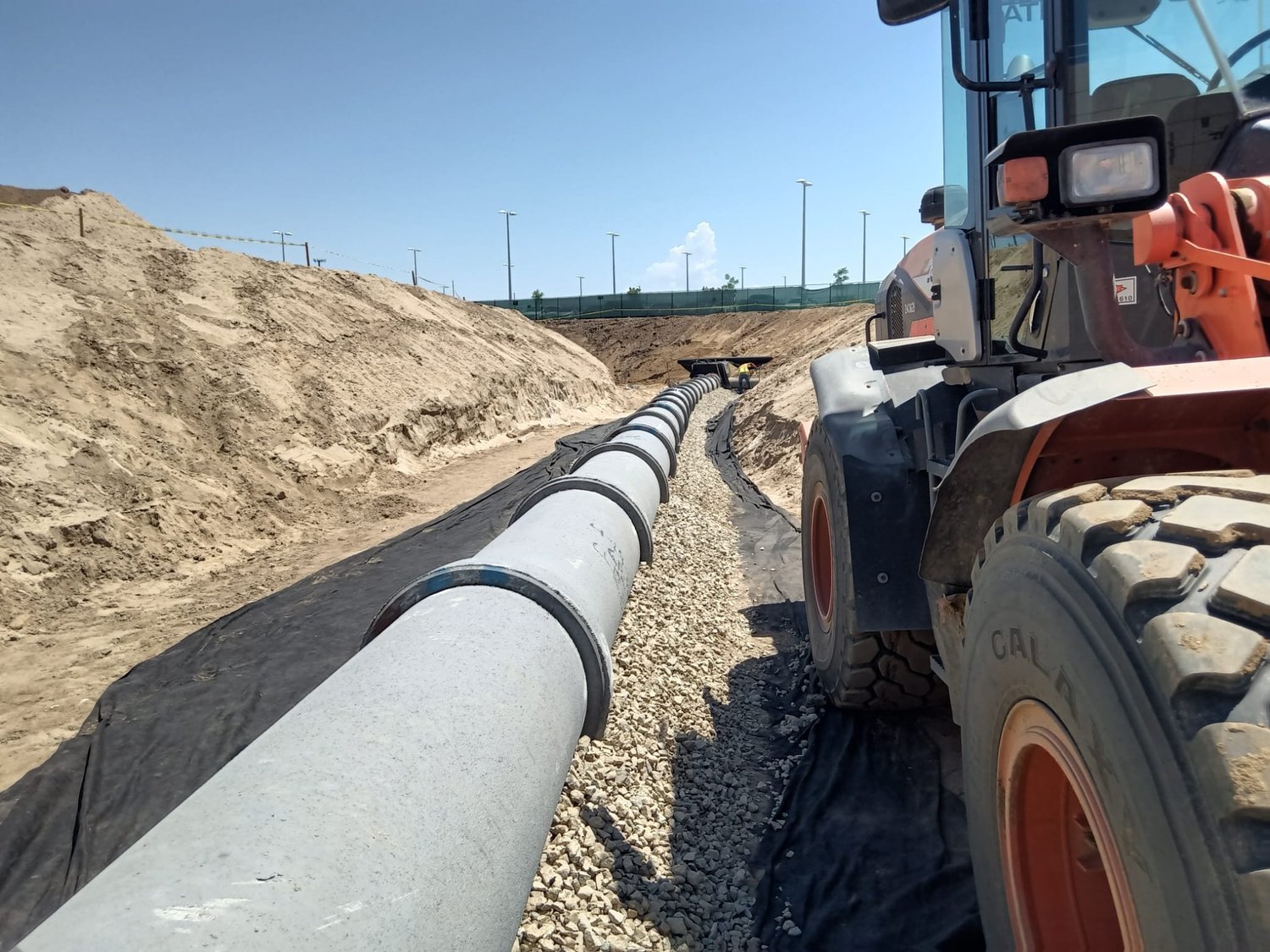
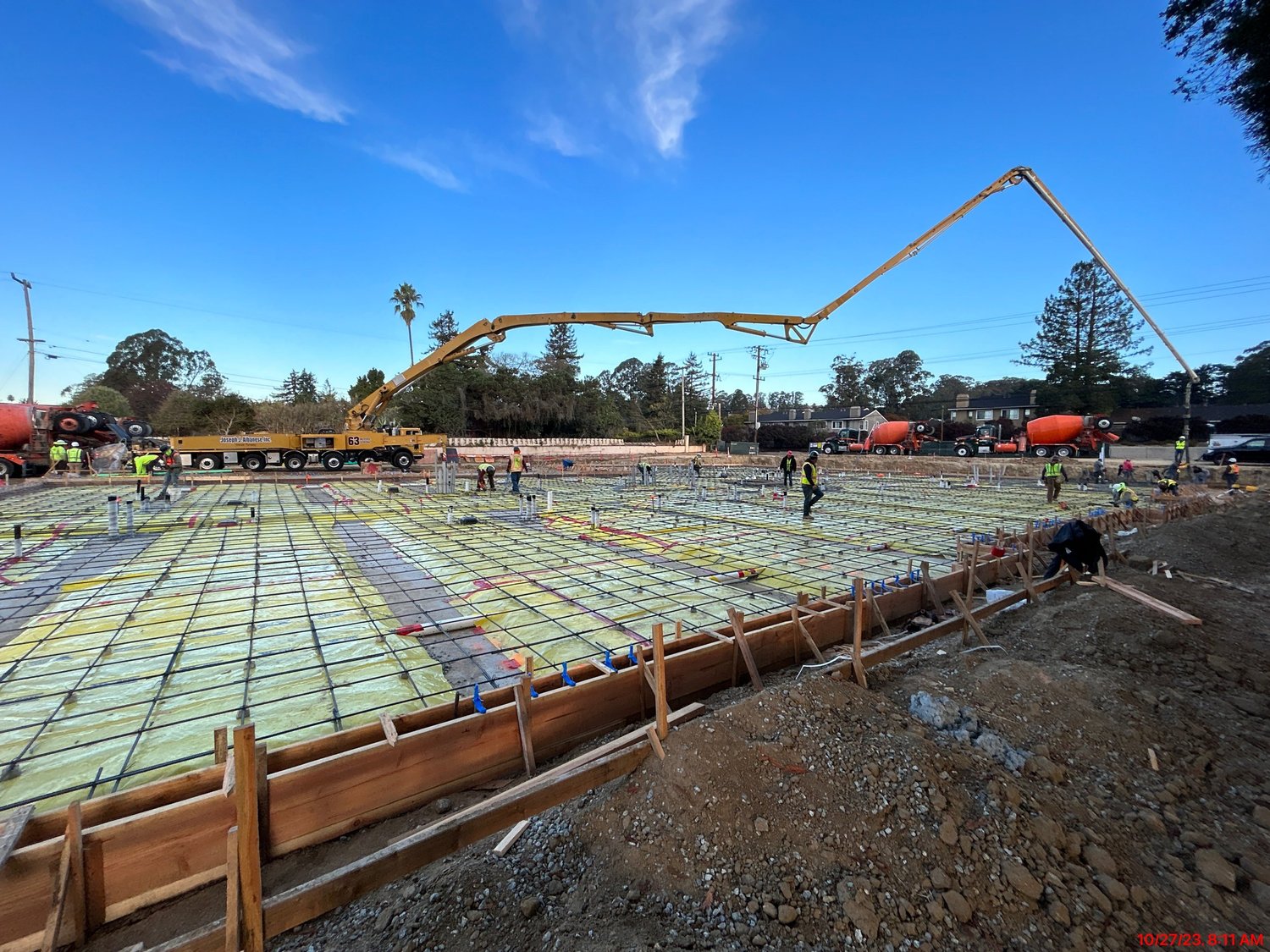
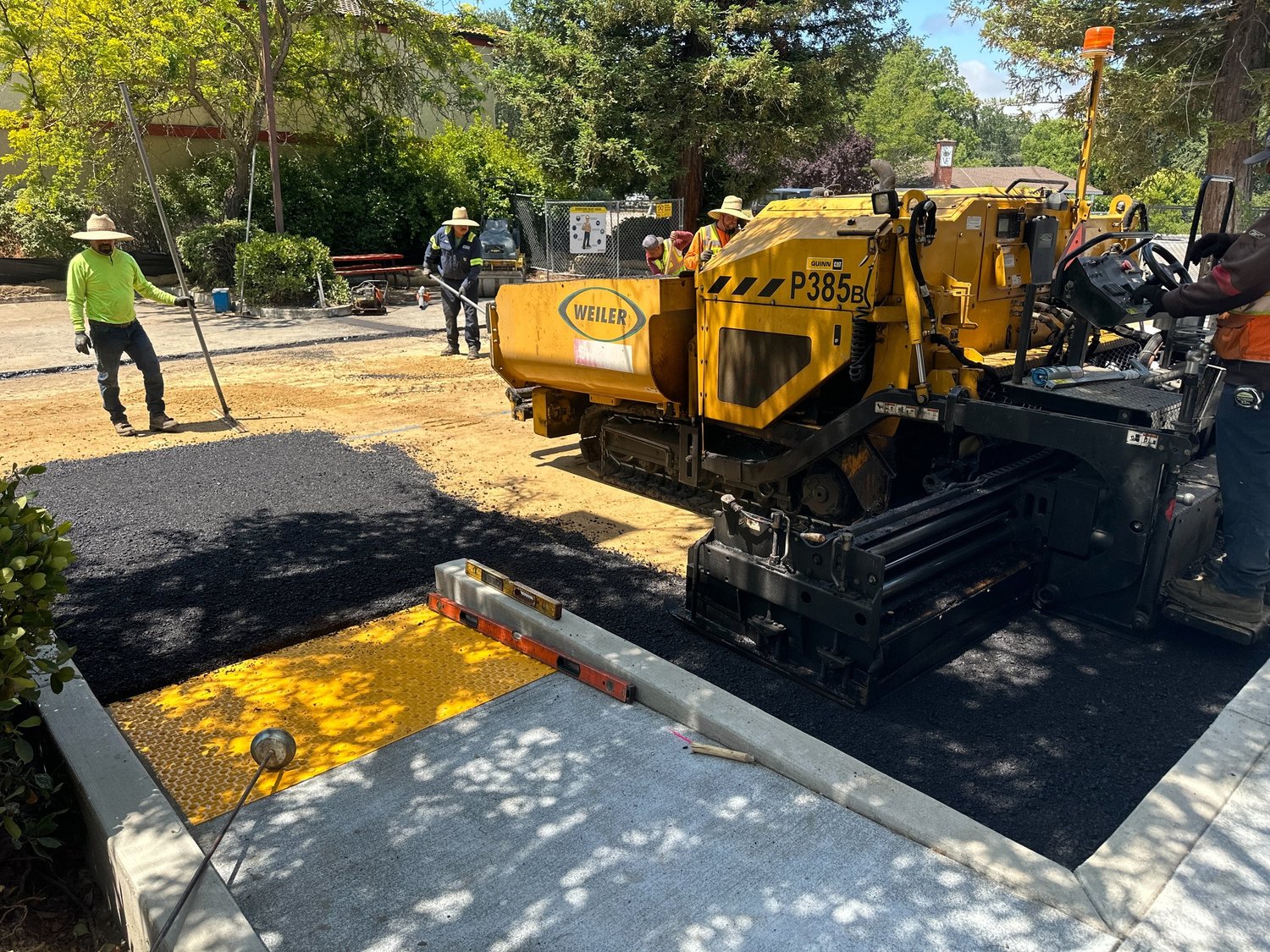
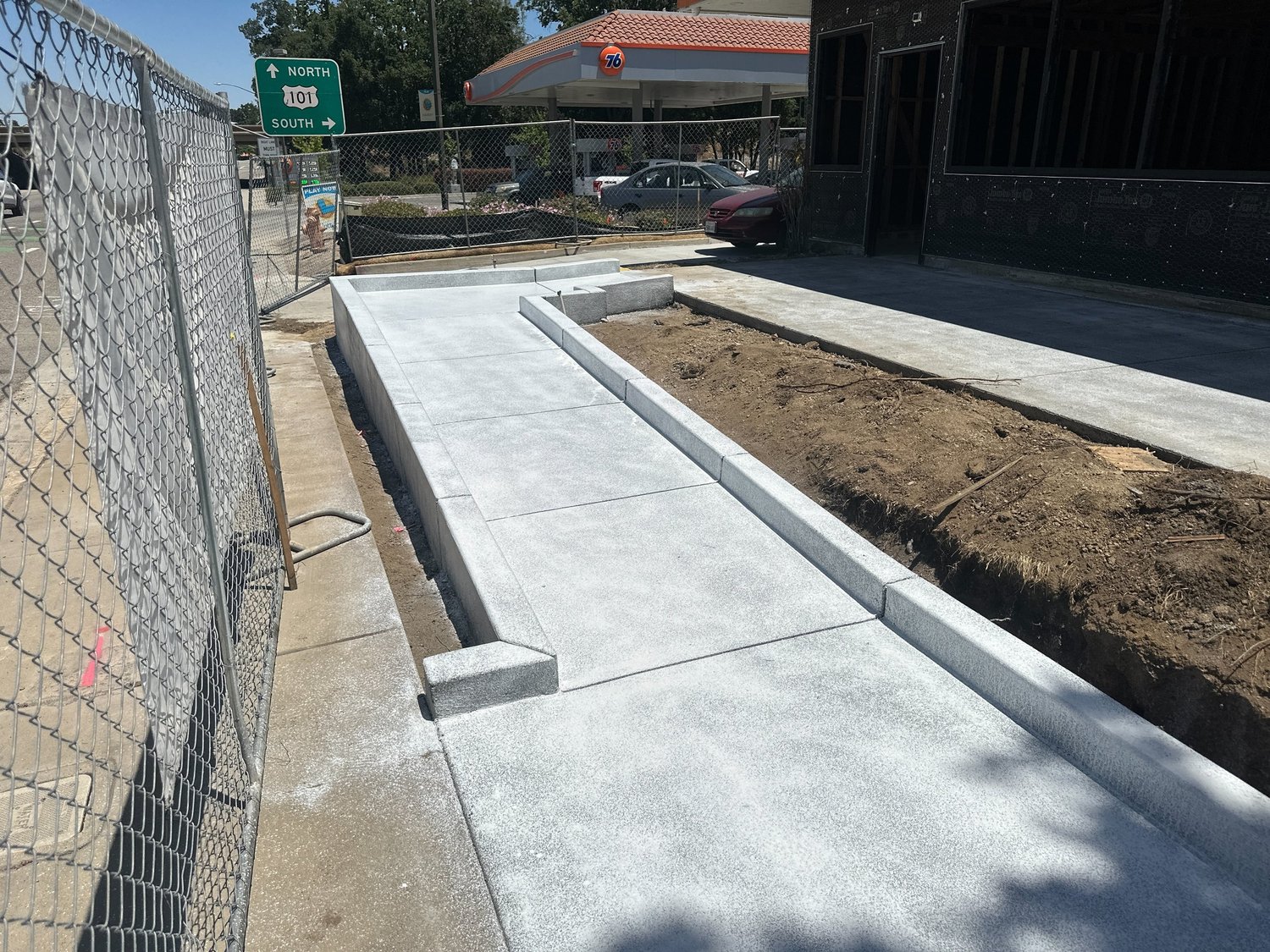
Land clearing, site preparation, grading and drainage — including the excavation and footings that follow.
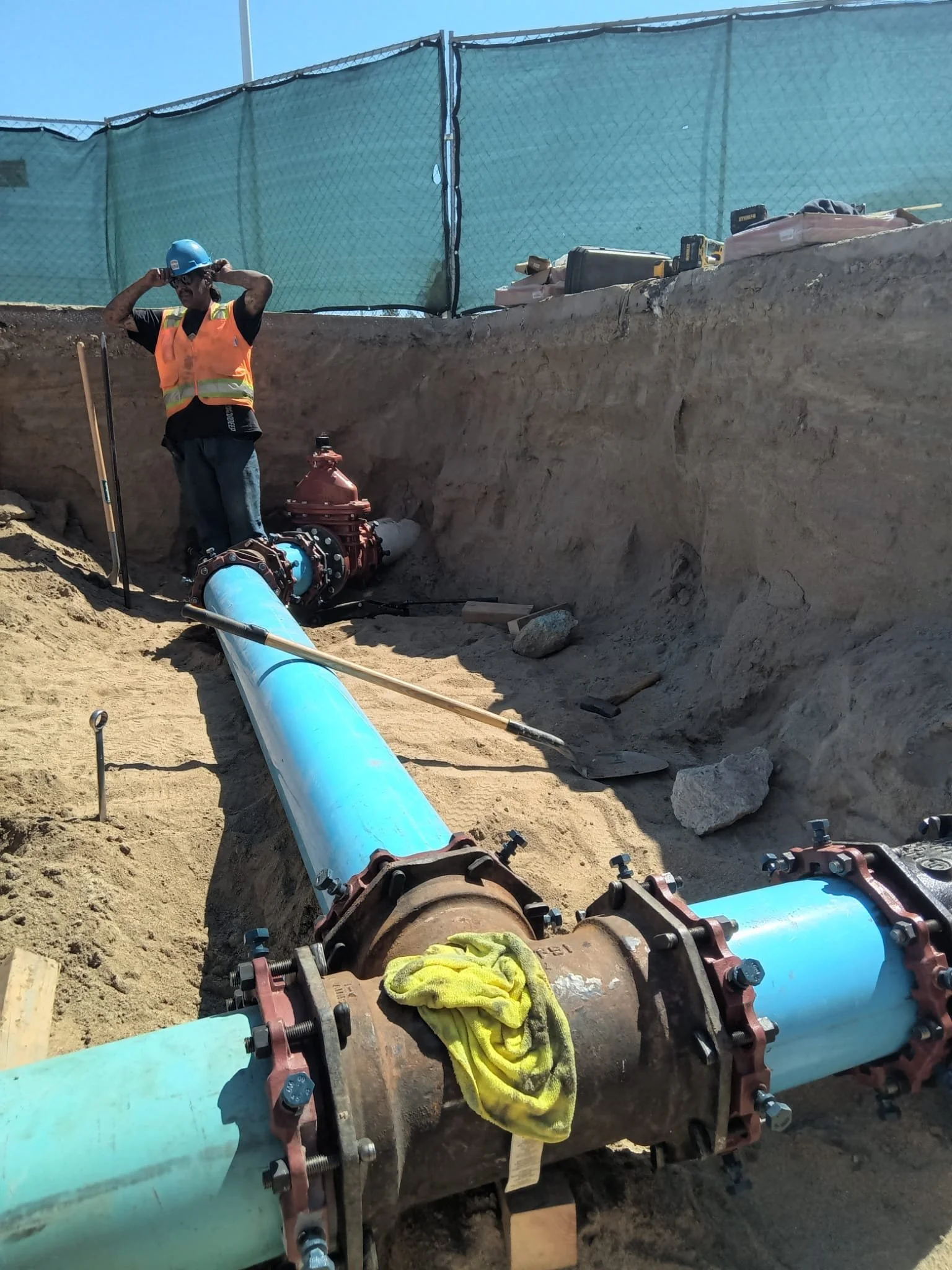
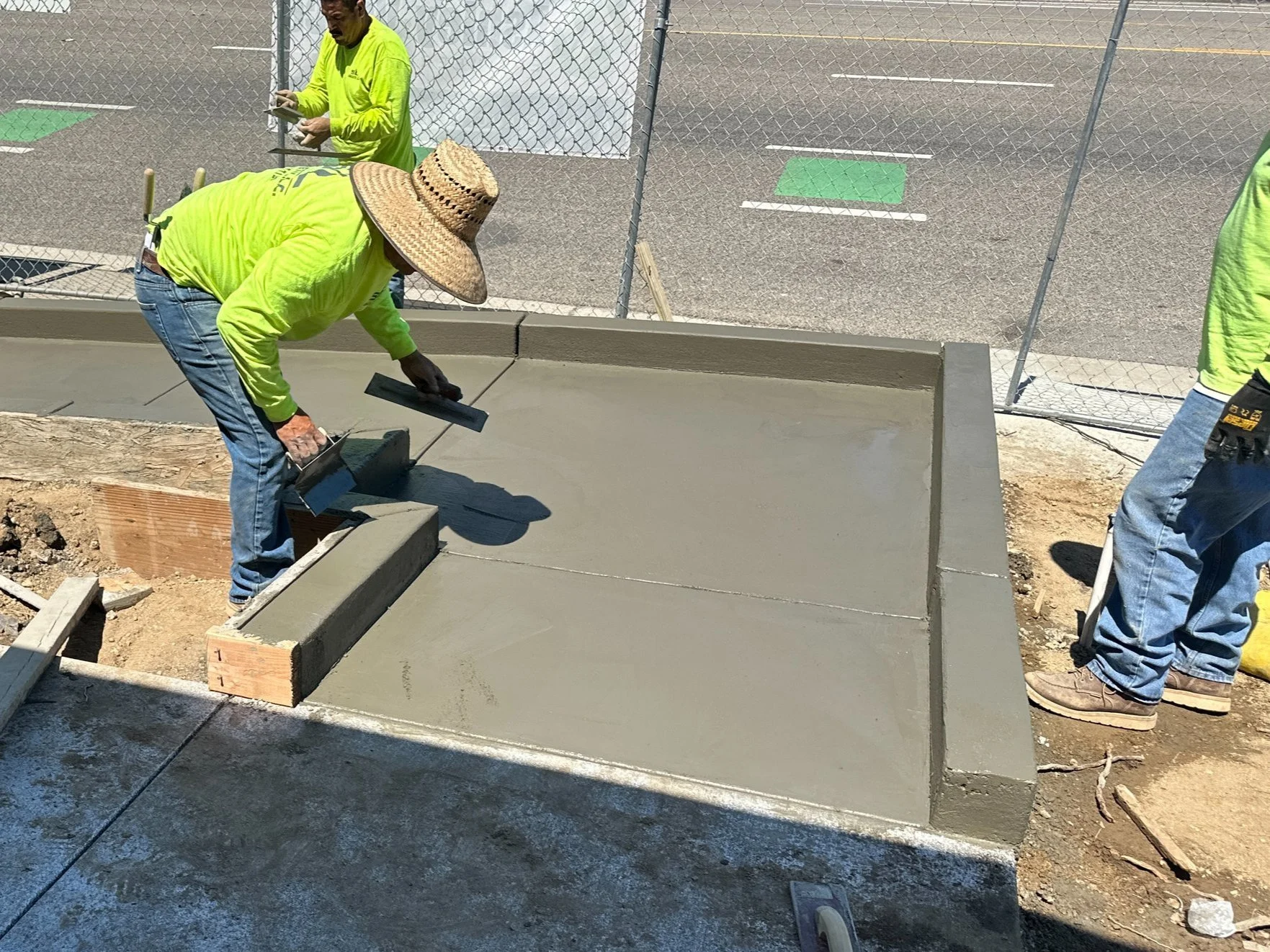
 MENU
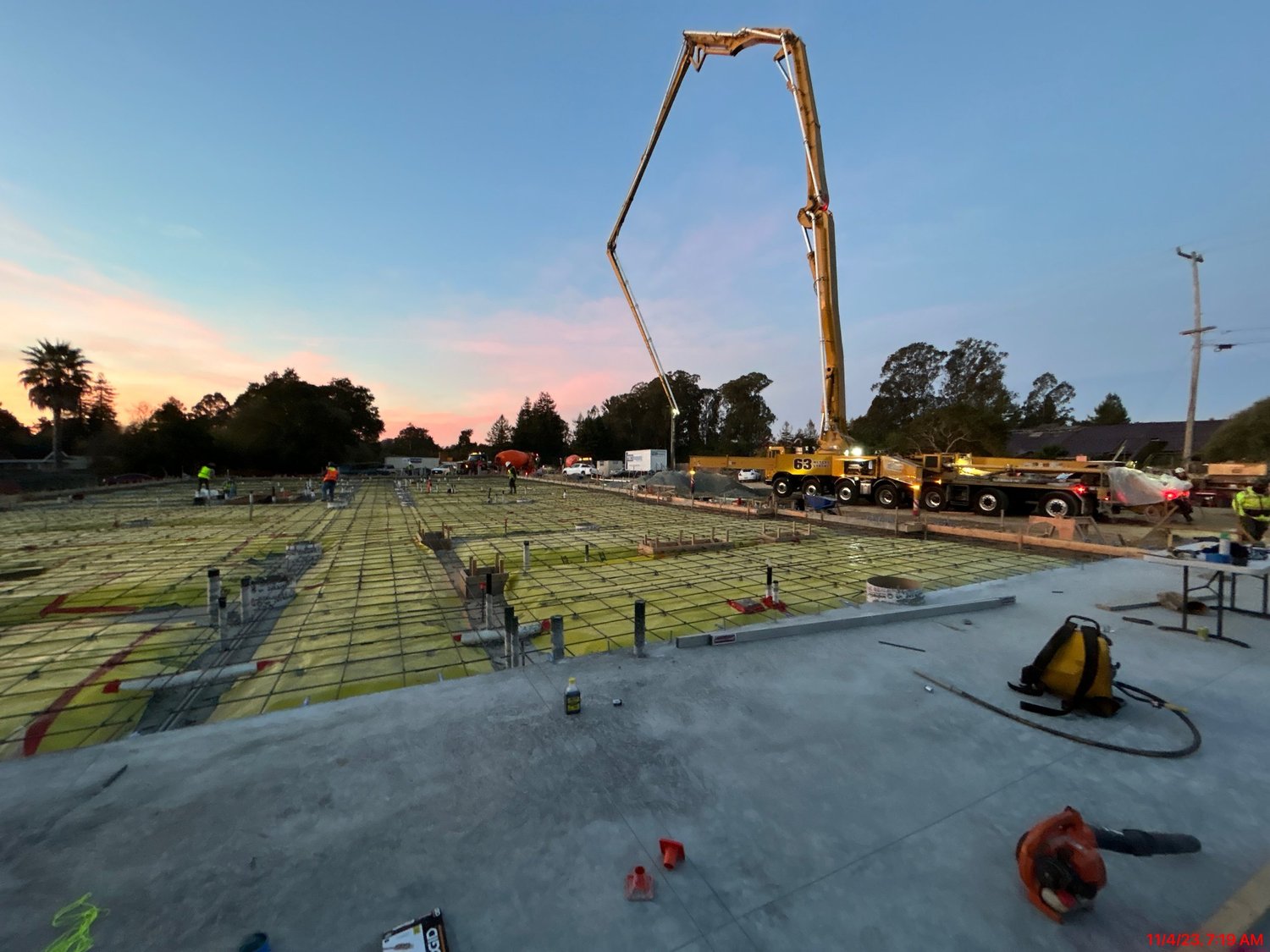 Ground work, without the guesswork.
United Facilities Group came to Brandcore with the same problem in a different trade: real capability, buried under a dated front door. This is the before and after. No metrics — just the work.
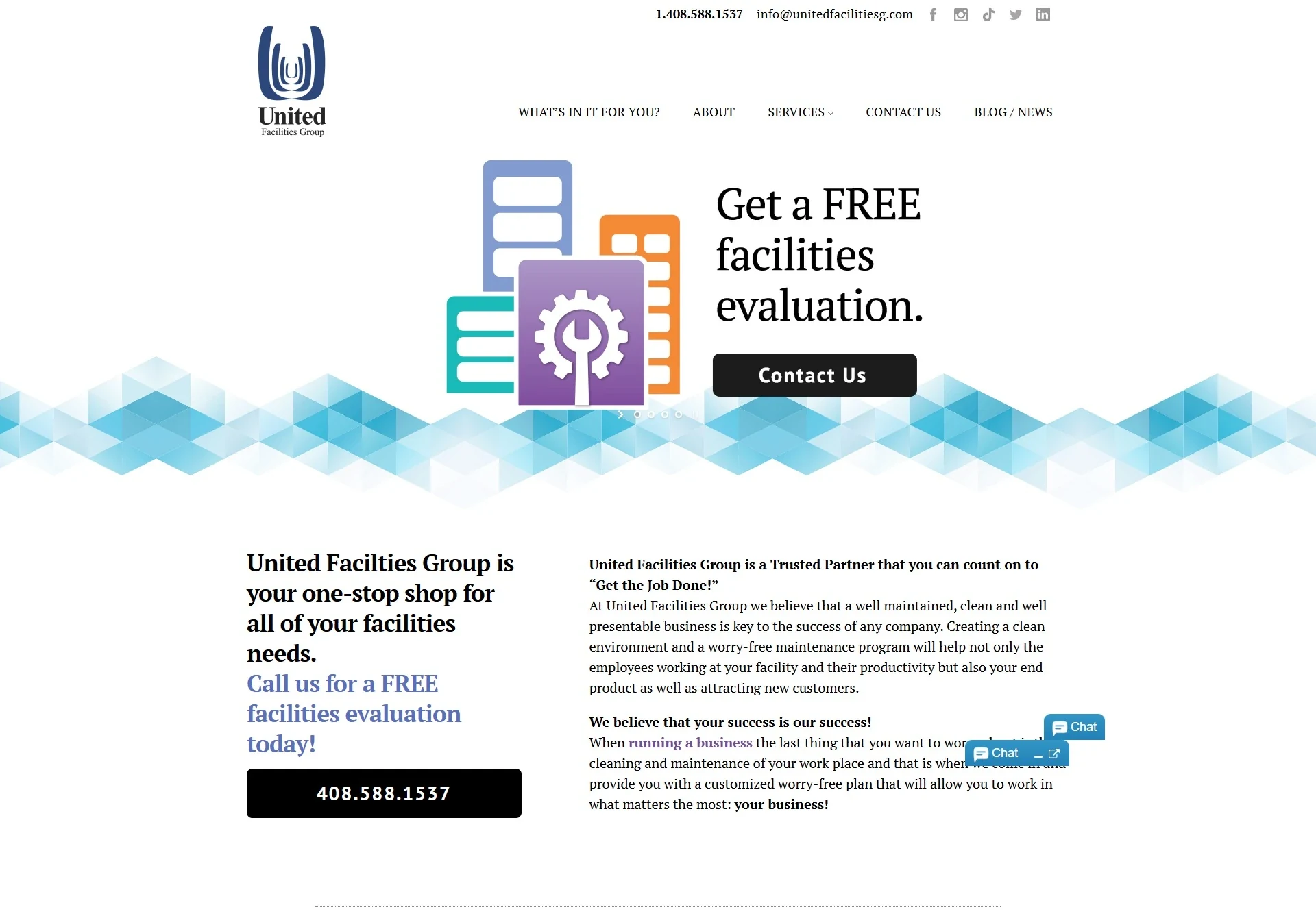
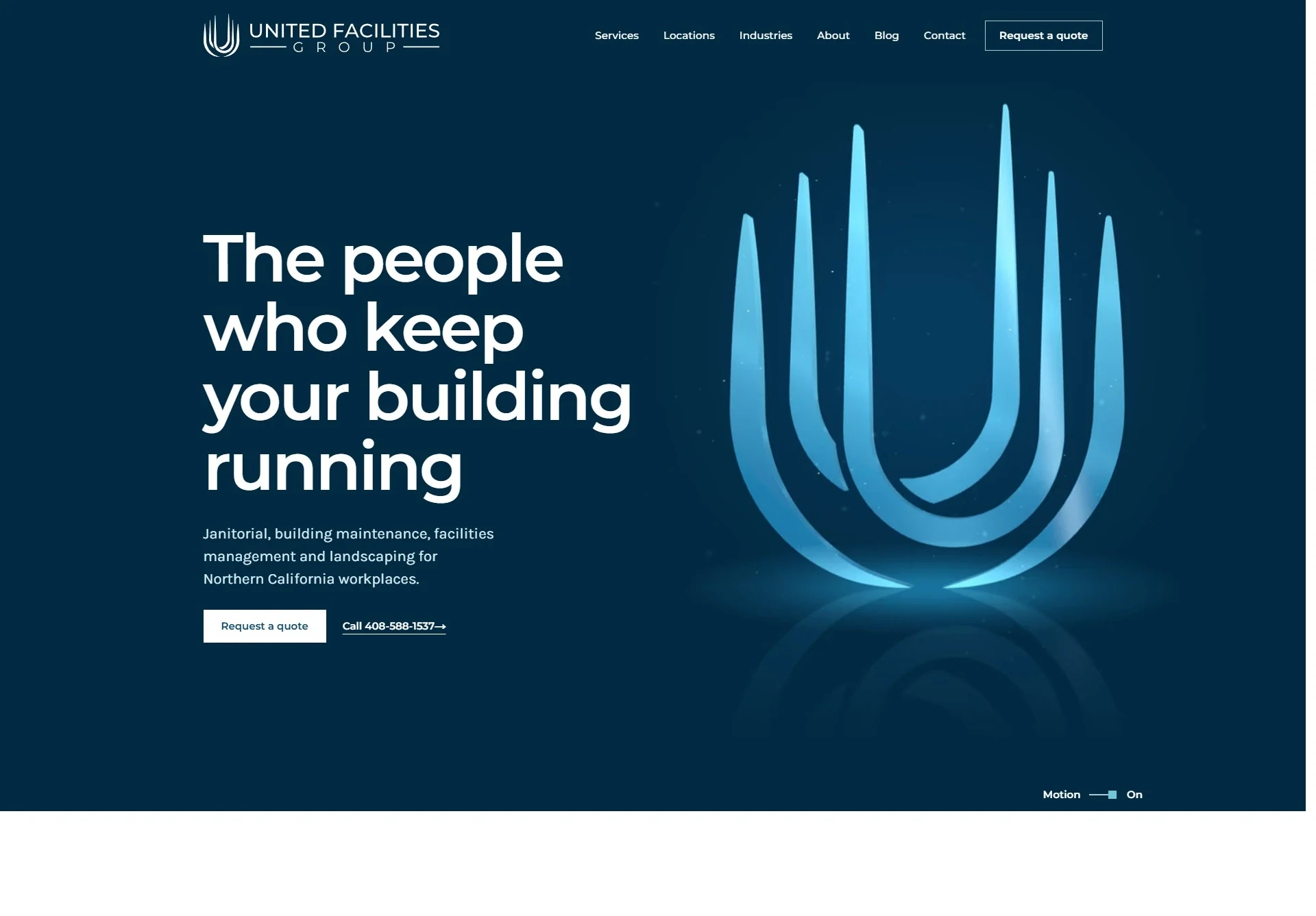
The service promise leads; navigation stops competing with the headline.
Capabilities become a path, not a wall of paragraphs.
A visible next step on every screen, not a footer afterthought.
Talk through the service pages, the project index and the estimate path with Karina. Bring the projects you most want seen — we will shape the site around them.
“Start with the projects and services you most want people to see. We’ll shape the website around your business and review the details together before launch.”
Thursday at 1 PM or Friday at 2 PM Pacific — or choose any weekday time that fits.
San Francisco Bay Area Sales Solutions